

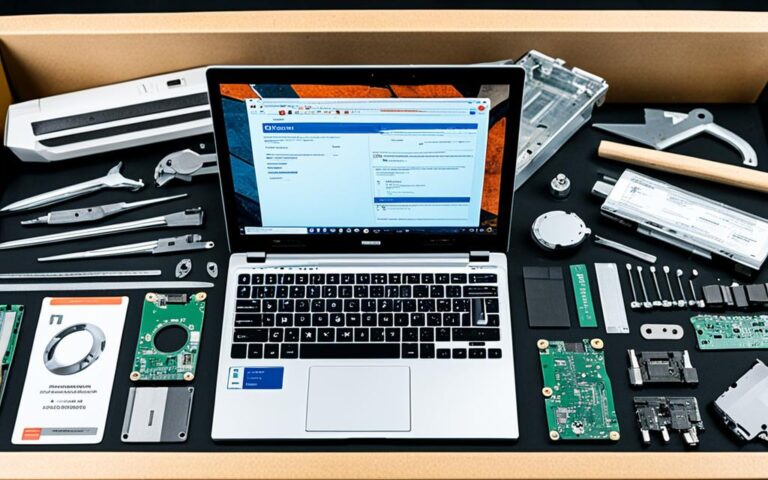
The Lifecycle of a Recycled Laptop — From Pickup to Reuse
Every laptop has a beginning and an end—but with responsible recycling and proper IT asset disposition, the end of one lifecycle can become the beginning of another. Millions of laptops are discarded every year, many still containing sensitive data and valuable components. Rather than ending up in a landfill, a recycled laptop can be repaired, reused, or transformed into raw materials that re-enter the manufacturing chain.
So what exactly happens once a business hands over an old laptop to a certified recycling provider?
Let’s walk through the complete lifecycle—from pickup to reuse.
1️⃣ Collection & Secure Pickup
The journey begins when a business decides to retire old equipment.
A certified recycler schedules a pickup, often with:
- Secure packaging
- Chain-of-custody documentation
- Tracked and logged transportation
- Clean records for audits and compliance
This ensures that every device is accounted for from the moment it leaves the facility.
2️⃣ Logging & Initial Inspection
Once the laptops reach the processing center, each device is received and recorded. A technician:
- Scans serial numbers
- Logs asset details
- Registers condition
- Identifies missing components
- Assigns a processing status
This stage is crucial for tracking and maintaining accountability throughout the entire recycling workflow.
3️⃣ Verified Data Destruction
Before any hardware can be reused or recycled, data must be permanently removed.
There are two common methods:
✔ Software Wiping
Data is overwritten following standards such as:
- NIST 800-88
- DoD 5220.22-M
This ensures no digital recovery is possible.
✔ Physical Destruction
If a drive is too old or damaged, it may be:
- Shredded
- Crushed
- Degaussed
Once complete, a Certificate of Destruction is issued for compliance and legal proof.
4️⃣ Functional Testing & Diagnostics
After data is eliminated, the laptop undergoes a full evaluation. Technicians check:
- CPU performance
- RAM and storage health
- Battery condition
- Screen functionality
- Keyboard and touchpad
- Wi-Fi and ports
- Motherboard integrity
Based on results, the laptop is categorized into:
- Reusable
- Repairable
- For materials recovery
5️⃣ Repair & Refurbishment (If Possible)
Laptops in good condition move to refurbishment. This may include:
- SSD or RAM upgrades
- Replacing damaged screens or keyboards
- Installing new batteries
- Updating firmware
- Installing fresh operating systems
- Deep cleaning and cosmetic polishing
The goal is to extend the usable life of the device and prepare it for new users.
This stage supports both:
✔ Circular economy
✔ Cost reduction
✔ Sustainability
6️⃣ Quality Assurance & Certification
Once repaired, the laptop is tested again to ensure:
- Performance meets standards
- All components work properly
- No security risks are present
Passed devices move forward for resale, donation, or redeployment.
7️⃣ Laptop Reuse — A Second Life
Refurbished devices can be:
✔ Sold at discounted rates
Great for organizations trying to reduce hardware costs.
✔ Donated to schools or nonprofits
An ideal way to support digital inclusion programs.
✔ Re-deployed internally
Extending lifespan reduces new hardware purchases.
Some providers also track devices after redistribution, ensuring full responsibility from start to finish.
8️⃣ Component & Material Recycling (If Not Reusable)
If repair isn’t financially or technically feasible, the laptop enters material recovery. This includes:
- Separating plastic, aluminum, and polymers
- Extracting metals such as copper, nickel, gold, and silver
- Processing batteries safely
- Shredding boards for raw material recovery
These materials are then sent to certified smelters or processors for reuse in new products.
This reduces dependence on:
- Mining
- High-carbon manufacturing
- Non-renewable resource extraction
A Sustainable Journey With Long-Term Benefits
The lifecycle of a recycled laptop demonstrates how proper IT disposal benefits:
🌱 The Planet
Less e-waste in landfills and fewer toxins entering the environment.
🔐 Businesses
Guaranteed data compliance and reduced liability.
💰 Economies
Refurbished devices return value and support new markets.
💼 Users
Affordable, reliable equipment becomes accessible to more people.
Recycling a laptop is not the end of its story—it’s the beginning of a new one.
Final Thoughts
By partnering with certified recycling and IT asset disposition providers, organizations ensure:
- Data is securely destroyed
- Equipment is responsibly handled
- Value is recovered wherever possible
- Environmental impact is minimized
In a world where technology turnover is faster than ever, responsible recycling is no longer optional—it’s a corporate and environmental responsibility.